top of page
Grids and Elevation
Adding Grid Lines

Create grid lines and elevation lines
1. click on bulb icon on the bottom bar to reveal origin point
2. select gridlines
3. start drawing on drawing window
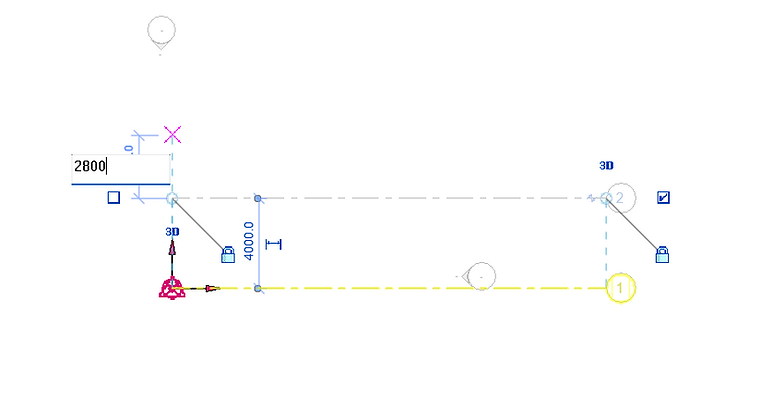
Values can be entered by typing or determined by freehand point and click drawing and grid snapping on the drawing window

Rename the vertical axis to alphabets and the consecutive lines will be auto names according to the 1st entry
Adding Elevation

1. Select any elevation under the elevation tab to go to section view
2. select levels
then start drawing levels by freehand point and click or by entering the height of levels

Rename the level by clicking on the label
bottom of page